CSA Advisory on Personal AI Agents Tells Singapore Users to Keep Them Away From Bank and Singpass Logins
CSA, GovTech and IMDA tell Singapore users of personal AI agents such as Muse and OpenClaw to keep them out of banking, Singpass and healthcare accounts and away from OTPs.
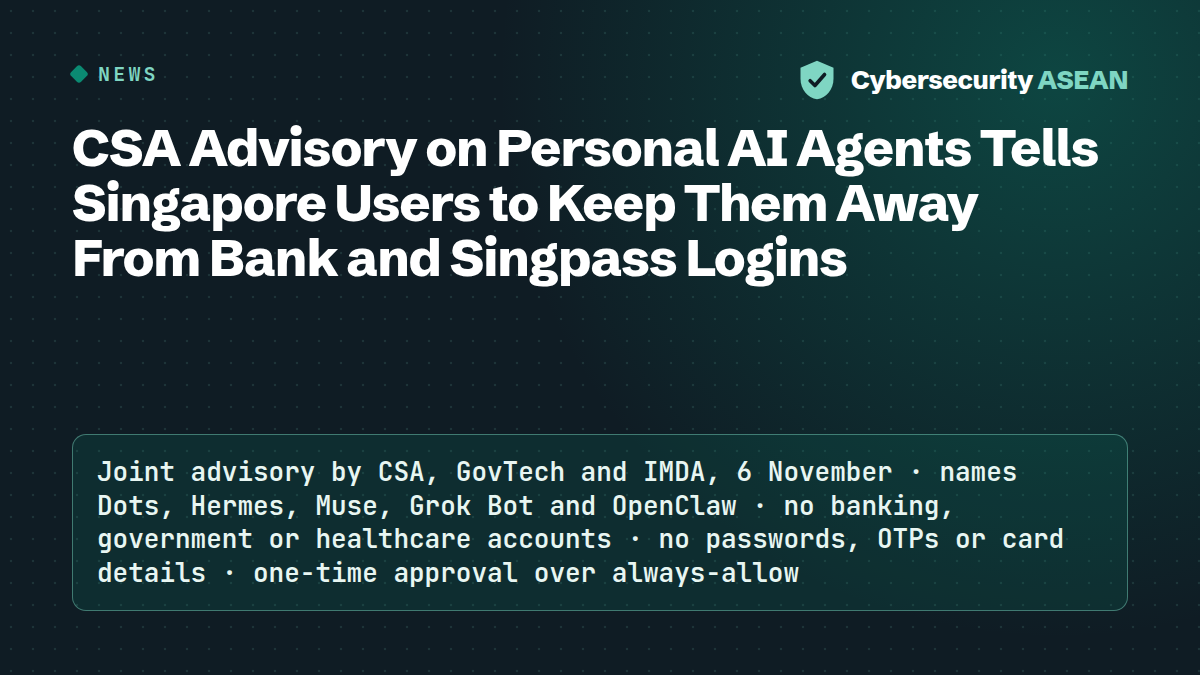
Singapore's Cyber Security Agency, GovTech and IMDA issued a joint advisory on personal AI agents on 6 November, warning that assistants able to act inside a user's apps and accounts can be turned against them. Its eight-page guidance names five products: Dots, Hermes, Muse, Grok Bot and OpenClaw. The Straits Times notes it follows the Singapore launch of Meta's Muse.
The risk: scammers instructing the agent
The agencies' central worry is hidden instructions. Scammers may "target your AI agent instead of you", planting commands in web pages, emails or calendar invitations that push it into buying something or moving money. Add-ons are the second route in: the guidance says malicious ones "could steal your information" and warns of look-alike apps and fake installers. Some agents keep running in the background and build profiles of their owners and contacts. The user may also "be held liable for these actions", the agencies add.
What the agencies tell users to do
Don't connect banking, government or healthcare accounts at all. Never hand the agent a password, passcode, OTP or credit card number. Singpass users should make passkey login their default, and a separate email address can receive OTPs out of the agent's sight.
For permissions, the advice is read-only access first and "one-time approval over 'always-allow'". Telling the agent in chat what not to do isn't enough, the PDF says; limits belong in its settings. Agents should be downloaded only from official sources and kept out of group chats where strangers can send them instructions.
An annex walks through the settings of Muse 14.1 on iOS.
If an agent misbehaves
Stop it, disconnect its accounts, change passwords and look for changes made without approval. Suspected scams go to the ScamShield Helpline on 1799; Singpass problems to its helpdesk on 6335 3533; incidents to SingCERT through CSA's Cyber Aid form.
More news
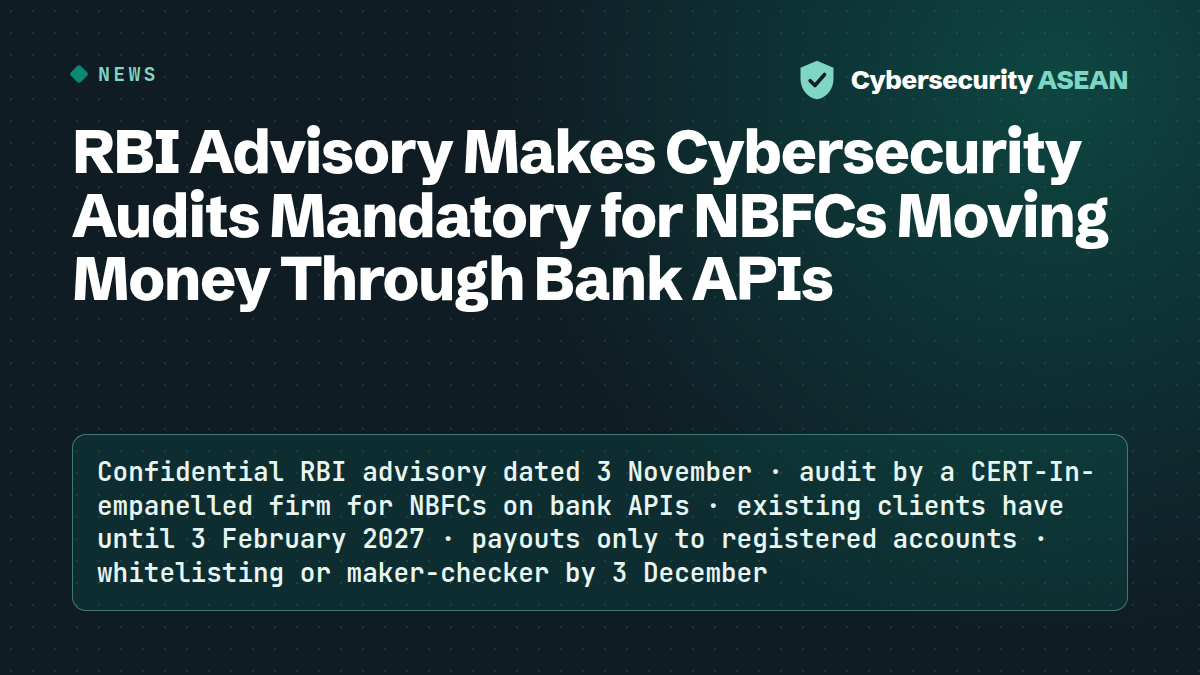
RBI Advisory Makes Cybersecurity Audits Mandatory for NBFCs Moving Money Through Bank APIs
An RBI advisory dated 3 November orders banks to have NBFCs that move money through their APIs audited by CERT-In-empanelled firms, and to cap and whitelist API payouts.
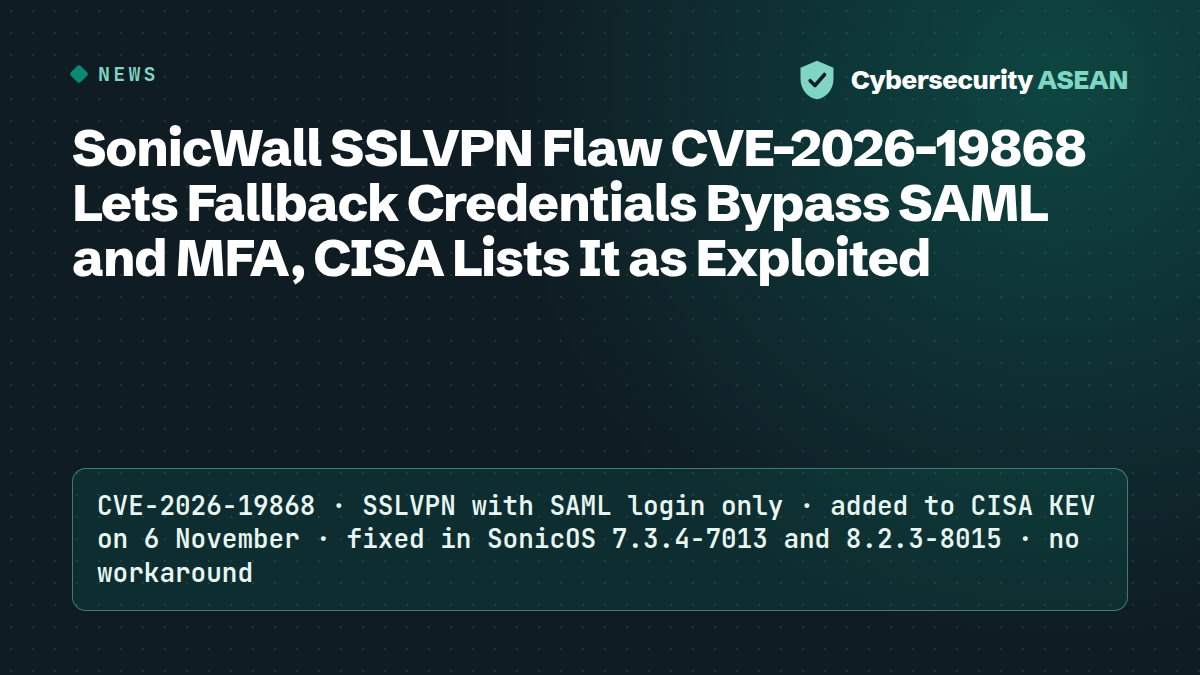
SonicWall SSLVPN Flaw CVE-2026-19868 Lets Fallback Credentials Bypass SAML and MFA, CISA Lists It as Exploited
SonicWall SSLVPN flaw CVE-2026-19868 lets a user with credentials for another login method bypass SAML and its MFA. CISA added it to the exploited list on 6 November.
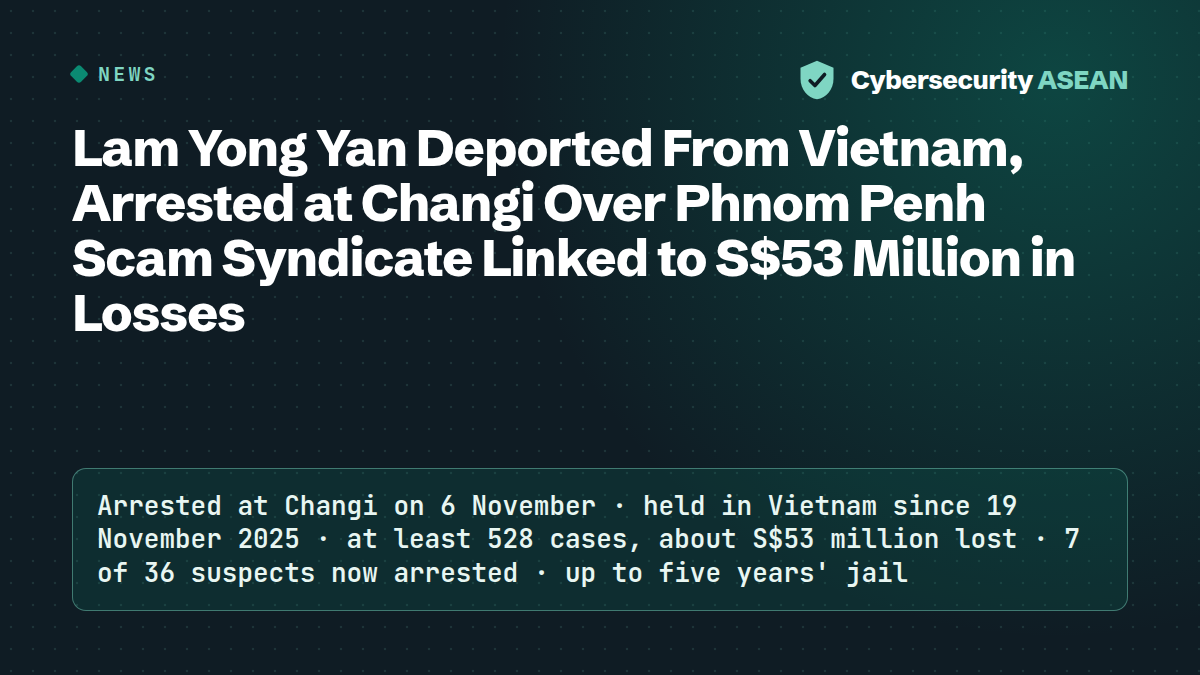
Lam Yong Yan Deported From Vietnam, Arrested at Changi Over Phnom Penh Scam Syndicate Linked to S$53 Million in Losses
Lam Yong Yan, 27, was deported from Vietnam and arrested at Changi on 6 November over a Phnom Penh scam syndicate linked to at least 528 cases and about S$53 million in losses.